As a wedding photographer, your website is essentially your online storefront. It’s the first impression you make on potential clients, so it needs to be stunning and easy to use. With so many website builders available, it can be tough to choose the right one for your business, or to feel stuck with a horrible platform because you don’t have the time to start something new. But if you’re looking for a platform that is super easy to use, offers a ton of customizable design templates, has user-friendly customization options, and has powerful SEO features, then Showit is the perfect choice for you.
Here’s why:
Showit has a drag-and-drop interface that makes it SO easy for photographers to customize their website without any coding skills. You can easily rearrange the layout, add text, images, and videos, and create a unique design that reflects your brand.
You can design your website from scratch, or you can use one of thousands of stunning website designs that are specifically tailored to the needs of wedding photographers. These templates are not only visually appealing (it’s so hard to choose!) but also functional, with features like easy navigation, image galleries, and contact forms.
Showit takes SEO seriously and makes it easy for photographers to optimize their website for search engines. You can add keywords to your pages, photos, and blog posts, customize your meta descriptions, and use alt tags for your images to improve your website’s search engine ranking.
More people are using their mobile devices as their sole means to search the internet than ever. So, having a mobile-responsive website is absolutely crucial. Showit’s designs are optimized for all devices! This ensures that your website looks great on desktops, tablets, and smartphones!
If you’re a blogger or want to add a blog to your website, Showit seamlessly integrates with WordPress. This means that you can enjoy the benefits of a design-friendly website builder within the Showit platform while still having the power of utilizing WordPress’s blogging platform features when writing your individual posts.
Showit offers excellent – and fast – customer support! They have a dedicated team of experts available via chat to answer your questions and help you troubleshoot any issues. They also have an amazing Facebook community of users who share tips and resources to help you make the most of your website!
Having a professional website is essential for any wedding photographer looking to stand out and attract new clients. With its endless features, Showit offers everything you need to create a website that truly represents your brand and showcases your work. And with its excellent support and resources, you’ll have all the tools you need to make the most of your website and take your business to the next level.
So, if you’re a wedding photographer in need of a top-notch website, look no further than Showit!
Check out some more educational resources –
How Honeybook Helps Wedding Photographers Keep Clients Happy
It’s so important to have a well-organized business wedding photography business. From scheduling clients to delivering final products, every aspect of your business can be streamlined. This will not only free up your time but ultimately make you more successful long-term! That’s where Pic-Time comes in…
Pic-Time is a gallery delivery platform designed specifically for photographers. I made the switch last fall and couldn’t be happier! Here are just a few reasons why I love it so much, and why I think wedding photographers should consider making the switch, too:
Pic-Time offers beautiful and customizable galleries that allow you to showcase your work in the best possible light. You can create galleries for individual clients, or for specific events or projects. And, with Pic-Time’s easy-to-use product management features, you can offer a range of products to your clients, from prints and albums to digital downloads and more.
Pic-Time’s automated sales systems can help you increase your revenue without adding extra work to your plate (and ya’ll know I’m HERE for all of that!!). With features like automated email marketing campaigns and upsell prompts, you can encourage your clients to purchase additional products and services without having to do the hard sell yourself.
One of the biggest benefits of using Pic-Time is the ability to easily manage print and album orders through a customizable storefront. You can set up your own pricing and ordering system, and easily track orders from start to finish. Plus, Pic-Time works with tons of different printing companies that offers quality products and secure and reliable delivery options, ensuring that your clients receive their products quickly and undamaged.
Pic-Time integrates seamlessly with Lightroom Classic! This means that you can easily export your photos directly into Pic-Time without having to switch between different tools or platforms.
Finally, Pic-Time offers exceptional customer support to help you get the most out of the platform. Whether you have a question or need help with a specific feature, their team of experts is always available to assist you. Plus, Pic-Time offers a range of helpful resources and tutorials to help you learn how to use the platform effectively.
Overall, Pic-Time is an excellent choice for wedding photographers who are looking to streamline their businesses and make more money in the process. With its comprehensive range of features, intuitive interface, and outstanding support, Pic-Time is an investment that can pay off in many ways. So why not give it a try today and see how it can help you take your business to the next level!
*Your first month is free through Pic-Time, and your second month is free with code C5QS5E!
Need some help getting started? Click here to book a 1:1 Coaching Call!
Ready for more?! Here are some of my favourite blog posts:
The Easiest Way To Organize Your Work Week
Investing in education can be a game-changer for your business, and it’s never been easier to access. But – don’t make these three common mistakes when investing your hard-earned money on all the different options available to you:
Take the time to research the instructor’s background, experience, and reputation. Read reviews and ask for recommendations from other photographers in your network. As someone who once had $500 stolen from them by photographers hosting a fake workshop, believe me when I tell you – do not skip this step!
It’s easy to get carried away when it comes to education, especially with so many educators offering some amazing programs and conferences. But! It’s important to set a budget and stick to it. Be realistic about how much you can afford to spend on educational programs and workshops, and prioritize the ones that align with your business goals. Overspending on education can put a strain on your finances, and now more than ever, that’s a stress you don’t need in your life.
Attending workshops and courses can be incredibly valuable, but the real value comes from applying what you’ve learned to your business. Take some time to refresh if you’re feeling overwhelmed, but don’t just file away your notes and never look at them again. Take action and implement the strategies and techniques you’ve learned! You’ll never know the full impact of your education – making sure it’s really worth the time and money – until you put it into practice.
Investing in education is one of the ???? investments you can make for your business, but make sure you’re getting the most out of it that you can!
More on the blog:
Three Ways To Prep Your Clients Before The Wedding Day
Five Posts From One Piece Of Content & Other Repurposing Ideas
Five years ago I was at the beginning of my chronic illness journey, and I kept unexpectedly having to take time off.
Because I was also over-booking my calendar, it created a domino effect.
All of a sudden every gallery I sent out was late. I would ignore my inbox for days – sometimes even weeks – because I didn’t want to apologize to yet another client for dropping the ball. And I wasn’t taking care of myself in the slightest because I was living at my computer for 16+ hours a day, skipping meals, and only taking time off to rest when my body forced me to.
Has that ever happened to you, First name / friend?
Maybe you’ve felt like you’re just not cut out to be a wedding photographer.
Maybe you’ve tried implementing systems before and it ended up creating more work for you, instead of taking some off your plate.
After trying out so many different systems in my own business, I almost gave up for those same reasons.
Until one day, it finally clicked ?
These systems weren’t working for me because I was just doing what everyone else was doing. As someone with a chronic illness, I have unique needs that I need to respect and set boundaries around in order for me, my business, and my systems to work their best.
So, I tuned out all the noise. I used the basic foundations to building systems, and I found ways to simplify and streamline every aspect of my business behind-the-scenes…
… And that’s when everything changed.
I still have to unexpectedly take time off, but I stopped missing deadlines, and I started getting rave reviews from clients again. I was delivering galleries filled with photos that I couldn’t be more proud of.
But what was most surprising to me was that I was able to bring in more money while working significantly less.
In Unfiltered + Simplified, I’m going to show you exactly how I made it happen, and give you all the tools you need to implement your own streamlined systems in your wedding photography business, too!


Five years ago, I was convinced my time as a photographer had come to an end. And now? I’m working a four-day workweek while running two different businesses!
The same can happen for you, too, friend. The application only takes 5-10 minutes to fill out!
Applications close March 31st, 2023!
3 Ways To Set Better Business Boundaries
I see so many wedding photographers going through the same struggles year after year, and so many of them tell me the same things:
“I don’t have systems in place, I don’t need them.”
“I don’t even know where to start, it’s so overwhelming.”
“I’m already so busy, I don’t have the time to start learning something new.”
Can you relate, friend?
After hearing it time and time again, I knew I needed to build a program that would help other photographers get the same results that I’ve had in my wedding photography business over the last five years.
I stopped missing deadlines.
I started getting rave reviews from clients again, delivering photos that I couldn’t be more proud of.
And maybe most surprising of all was that I was able to bring in more money while working significantly less.
That’s exactly what I want for your business too, and that’s why I’m so excited to officially introduce…


Over the course of eight weeks, you’ll take an unfiltered, in-depth look behind the scenes of your business and I’ll show you how to fix five of the most common areas every wedding photographer falls short:
Weekly Planning
CRM Workflows
Client Experience
Post-Processing
Offboarding
You’ll learn how to:
⛔Avoid past mistakes so you and your business can continue to thrive.
?♀Create simple, streamlined systems that work for your unique needs (and no one else’s)
?Boost your productivity no matter what life throws your way
?Save yourself hours of time each week so you can get back to doing the things you love
Afterward?
You’ll have stopped missing deadlines, and will start getting rave reviews from your clients again because you’re delivering an incredible client experience. You’re sending out galleries full of photos you’ve never been more proud of. You’re making MORE money while working significantly LESS.
And most importantly-
You’re taking time off, stress-free and guilt-free.
8 Weeks of Live Coaching Calls (Value: $7200)
In-depth CRM Workflow Reviews (Value: $300)
The Simple System Mind Map (Value: $27)
Co-Working Sessions (Value: $100)
Private Facebook Community (Value: $100)
Weekly Voxer Support (Value: $400)
Replays + Lifetime Access (Value: Priceless)
Plus – so. many. bonuses:
Client Questionnaire Templates (Value: $57)
Asana Weekly Planner Template (Value: $47)
Done For You Email Swipe Files (Value: $47)
Simplify Your Content Bundle (Value: $47)
and
A one-hour 1:1 Coaching Call (Value: $600)
(??????? ????? ?????????!)
After you simplify and streamline your business? You’ll:
– be happier, more organized, and well-rested
– have happier clients who are blown away by an experience better than they could have dreamed of
– end the year with burnout just a distant memory you’d rather forget!
So, friend, are you ready to get started?
Applications close March 31st, 2023!
The Best Kept Secret To Booking Wedding Clients
(Intro Music)
Welcome to Keeping it Candid – Wedding Photography Unfiltered for photographers who want to keep it real. I’m your host, Sandra Henderson, international wedding and family photographer and educator with a Marie Kondo style approach to running a business – you know, keeping things simple and getting rid of anything that doesn’t bring you joy!. More importantly, I’m a strong enneagram 3w2 who is obsessed with tacos, and my love for travelling is one of many things that drives my passion for all things systems, workflows, and beating burnout as a business owner. Join me twice a month for a candid, behind-the-scenes look at what it’s really like working as a wedding photographer – where I’ll give you actionable steps to take your business to the next level. Absolutely no fluff here, friends! So grab your favourite notebook and pen, and let’s dive into this week’s episode.
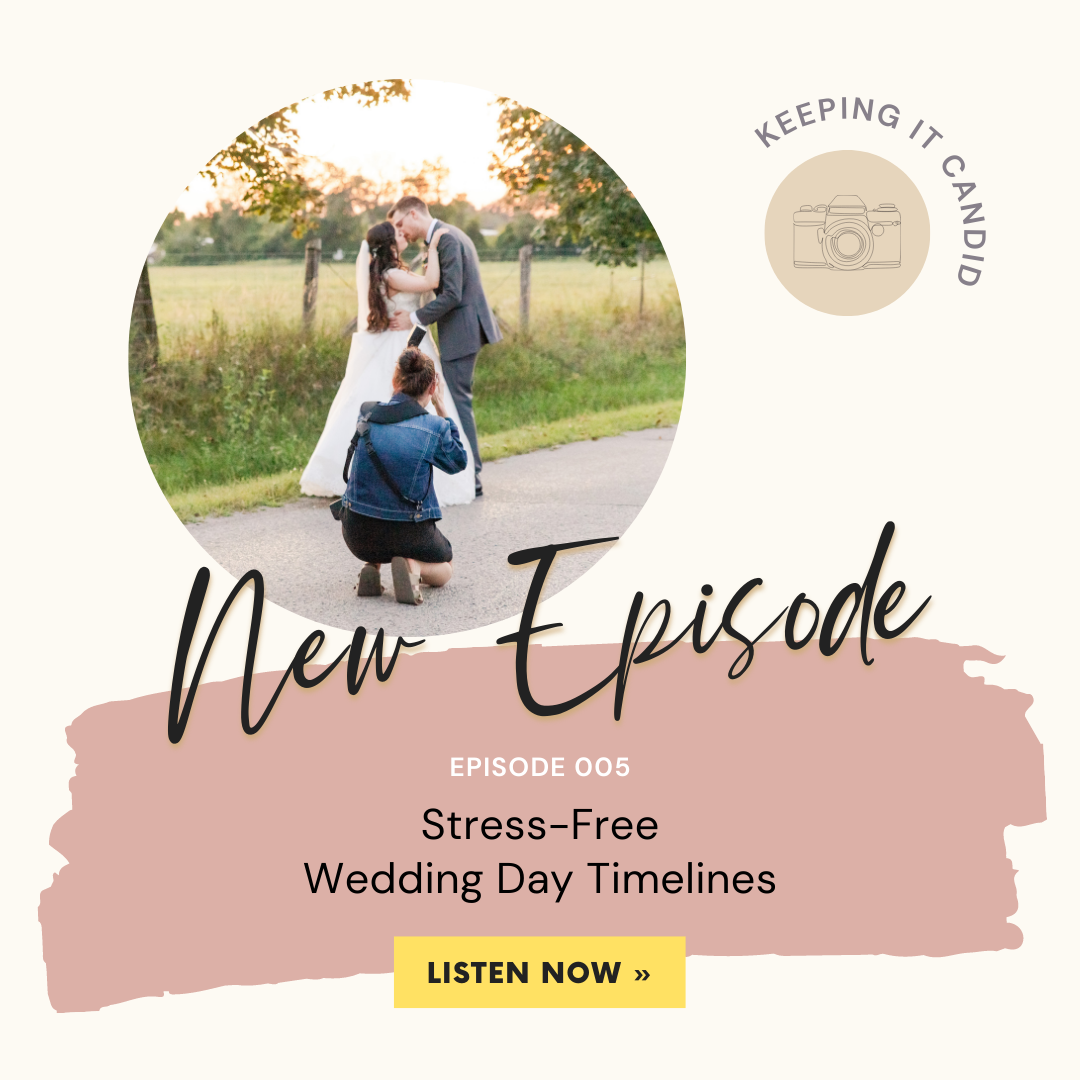
(Episode 005)
Nothing can make-or-break a wedding day quite like a timeline. When it’s done well, you can get through a day stress-free and get all the photos you need without being run off your feet. When it’s done poorly… Well… It’s exactly the opposite of that.
We’ve all been there.
High-stress days, navigating rain in the forecast, having to cut portrait times down to 10 minutes just to get it done before rushing off to the next location… It really takes all the fun out of a wedding day.
That’s why I’m very hands-on when it comes to planning the photography side of a wedding day timeline. We have to remember that the majority of our couples have never planned a wedding before. They may have been a part of a wedding party, but they’ve never had to figure out what time to have dinner, how long it’s going to take for family photos, what time hair and makeup should start that morning. Our couples are relying on the vendors they’ve hired to be the experts and guide them through planning the wedding day they’ve been dreaming of.
In order to make sure you’re able to do the job you’ve been hired to do, you need to educate your couples and guide them along the way to make sure you have the time you need. If your couple is working with a wedding planner, you’ll more than likely be able to rely on the timeline their planner put together. Planners are experts at navigating the needs of the whole vendor team as well as what the couple is looking for! But if your couples don’t have a planner, which mine often don’t, it’s so important to help out with the photography timeline – for your sake, and for the sake of your couples.
To get started, send out a questionnaire. Get every single piece of information you could possibly need to envision the day. You’ll want to find out what types of photos you’ll be taking – like a first look, wedding party photos, sunset photos… Anything and everything to get a clear idea of expectations from your couples!
I also like to ask questions about accessibility – does anyone require a flat surface for photos at any point during the day? This will be important when deciding where to do photos, in case anyone with a wheelchair or mobility limitations isn’t able to get to a certain area.
I send the questionnaire out three months before the wedding date. This timeframe is super beneficial because it’s far enough into their planning that they have the important details set, but early enough that the questions I’m asking them can start guiding them into thinking about what moments of the day they value the most, and how exactly it’s all going to come together.
Once I get their responses back, I put together a timeline and shot list myself instead of waiting for one from my clients. It takes one more thing off their plate – they already have so much on the go leading up to their wedding. And it’s like I said before. It’s your responsibility as the wedding photographer to make sure you have enough time to do the job you’ve been hired to do. So by putting together the timeline yourself, you’re delivering a great experience and taking the steps you need to ensure a stress-free wedding day from the photo side of things.
When I meet with my clients to go over everything – the final step leading up to the day – I love hearing them tell me how good it feels to see everything planned out. This meeting typically happens about a month before their wedding date. That way, it gives us a chance to make any adjustments as needed, and gives me a chance to make plans with my team.
Now, as you’re putting the timeline together, there are a few things you can do to make it that super-fun, stress-free day you want for all of your clients.
First, and definitely the most important, leave lots of buffer room in every single portion of the day! If travel between two locations is expected to take 10 minutes, put 15 to 20 minutes into the timeline. If the ceremony is expected to take 20 minutes, put 30 minutes into the timeline. Things always take longer than you think they will when you factor in the needs of 20 people in a wedding party, bathroom breaks, an Uncle that’s gone to cocktail hour instead of sticking around for family photos… You can prepare for the unexpected by adding buffer room, and if you don’t need it, perfect! I’m always telling my clients that it’s way better to be ahead of schedule than behind, and I’m sure all of you listening will agree with me!
From there, remember it’s so important to be flexible, and reasonable. Each vendor has their own time requirements, but everyone has the same end goal – to give the couple the best wedding day possible. It’s important to remember that the day isn’t about us or our priorities, it’s about our clients and documenting their story. While we’re sharing our expertise and guiding them through the planning process, ultimately the decision is up to them and we need to be understanding of that.
So let’s say you’re designating three hours for portraits with the newlyweds on their own, and are wanting to keep them an hour passed the time dinner service is scheduled to begin. This will not only be exhausting for your clients, but it’s extending cocktail hour – meaning more food, alcohol, and staff are required. It’s delaying dinner service, meaning a longer period of time where kitchen staff have to be on-site with nothing to do, or food is sitting under warmers, which absolutely NO ONE wants. And in all honesty? It’s disrespectful to the guests, who will have to occupy themselves on-or-off site for almost five hours when you start factoring in things like family photos and wedding party photos, too. Photography doesn’t happen in a bubble on a wedding day – nothing does. It becomes a domino effect, so it’s important to consider every piece when setting your expectations for the day with your clients.
So with all of that said – what does a typical wedding day timeline look like for me?!
I’m SO glad you asked!
My team calls me the queen of timelines and it’s a title I am honoured to have!
Let’s start at the beginning – I’m going to walk you through my exact process of building one.
First, I start with the time the ceremony is starting at, and I work backwards from there to the beginning of the day, when we start getting ready photos. Once I know the time we’ll be starting, I’m able to figure out the time we’ll be ending photography at the end of the night, based on the amount of time included in my clients’ package. From there, I jump back up to the end of the ceremony, and start figuring out how to fit everything into the time that’s left.
Here’s a scenario of what this could all look like on an actual wedding day:
At 1:15pm in the afternoon, I arrive at the first getting ready location. Most often this is with the bride, so that’s what I’ll use for this example.
At 1:30pm we start the Bride’s Getting Ready photos – doing photos of her details like her dress, jewelry, and flowers. Candids of her putting her dress on, and portraits of her and her side of the wedding party.
At 2:00pm my assistant arrives at the second getting ready location, most often this is with the groom. She does photos of his details as well, like his suit jacket, tie, and cufflinks. She gets candid photos of him putting his suit jacket on, and will wrap up with some portraits of him and his side of the wedding party.
At 3:00pm we will all travel to the venue. This is a 7-minute drive, but I’ve allowed 15 minutes in the timeline.
At 3:15pm we’ll start the First Look, and then head right into newlywed portraits at 3:30pm.
At 4:00pm the Wedding Party will meet up with us and we’ll start wedding party photos. And during this time my assistant is going to head over to the reception area to get photos of the details without guests in attendance.
At 4:30pm we’re going to start Ceremony Prep – this is when we’ll be taking photos of the ceremony details, getting candids of the guests as they arrive, and making sure our batteries, memory cards, and camera settings are all ready to go for when the ceremony starts at 5:00pm.
The ceremony is 20 minutes, but we have 30 minutes set in the timeline.
So, we’ll start Family Photos right after, at 5:30pm.
And then at 6:00pm we’ll do Reception Prep – getting final photos of the reception space, including a reveal for the couple if the space wasn’t finished earlier in the day. And, also getting our camera ready and flashes prepped for the indoor reception.
At 6:30pm this is when the newlyweds and wedding party will make their grand entrance, and we’ll get some Candids of the welcome speech
At 7:00pm Dinner Service is going to start with speeches throughout.
And then at 8:45pm we’re going to head outside and do some Sunset Photos.
We’ll come back inside at 9:00pm for the First Dance.
Parent Dances around 9:05pm.
At 9:15pm the dance floor is going to open and we’ll get some candids until we’re finished at 9:30pm.
And that’s it! That’s the whole day!
After the last two years of constant changes and hurdles to jump over to make a wedding day come together, you deserve to remove as much stress as you can and bring the joy back into this job you love so much.
It does require a little more work upfront, but I promise you won’t regret it when you start having clients rave about how easy, stress-free, and enjoyable their experience has been with you! You’ll be so proud of the work you’re doing and filling your portfolio with because you won’t be rushed and forced into doing the most basic ideas, eliminating all creativity in the process.
And as a THANK YOU for listening to this week’s episode, I have a little something to help you out this wedding season – head to simplysandrayvonne.ca/timelines for a FREE spreadsheet booklet – this is the exact booklet that I use to plan for my clients. It’s so easy to use – there’s a section for important information – I love using this space for my client’s contact info and to write any notes for the day. The next tab is where you’ll build your timeline. There’s a dropdown menu that includes times in 5-minute increments so you can be as specific as you need to be in your planning. The family photos tab includes spaces for names, and a dropdown menu so you can easily reference the relation of the guests to the couple. And finally, the last tab is where you can put information for the vendor team. I like to include their Instagram handles so I can easily find their info and tag them in my posts!
Anyway, friends! That wraps up this week’s episode. Thanks so much for listening, as always. Happy planning, and happy wedding season!
(Outro Music)
Thanks so much for listening to Keeping It Candid: Wedding Photography Unfiltered with Sandra Henderson! You can find full show notes from today’s episode at simplysandrayvonne.ca/keepingitcandid. In the meantime – let’s connect! You can find me on Instagram @simplysandrayvonne, and on Facebook in the Wedding Photography Unfiltered community! If you’re loving this podcast, I’d be so honoured if you’d go ahead and hit that subscribe button and leave me a review!
Until next time!
For tips and updates follow me on Insta @simplysandrayvonne
Running a business isn't easy - especially when you're also navigating chronic illness life, too... Read my full story
© 2025 Simply Sandra Yvonne. Designed in collaboration with multiple Showit designers. Privacy Policy | Terms & Conditions
click here
Stop overthinking your HoneyBook inquiry workflow. Fix it in 5 days — join the waitlist →